Sales received through Doshii integrations, including Uber Eats and DoorDash, can be reviewed in Oolio One reporting. Use the Payments report to review Doshii sales for a selected period, or a Shift Summary to review payments included in a specific Shift.
View Doshii sales in the Payments report
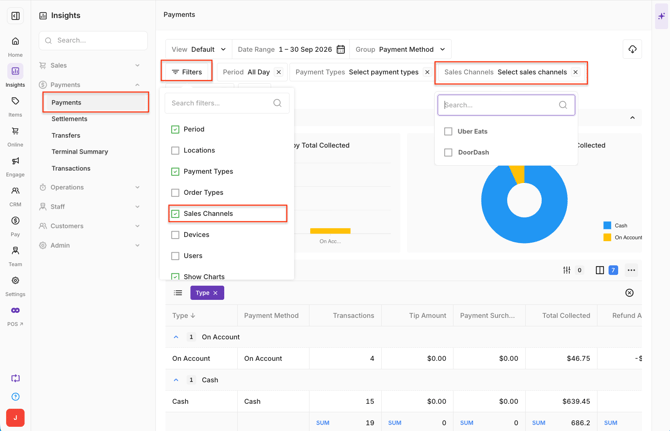
- Open Back Office > Reports > Payments.
- Select the required Date or Date Range.
- Select the Filter icon to open the advanced filters.
- Filter by Sales Channel and select Uber Eats, DoorDash, or both. Alternatively, use Payment Type to filter the report by the required payment method.
- Select Update Table to apply the filters.
-
The report displays the Total Collected for the selected Sales Channels and reporting period.
View Doshii payments in a Shift Summary
Doshii payments can also be reviewed when reconciling a completed Shift.
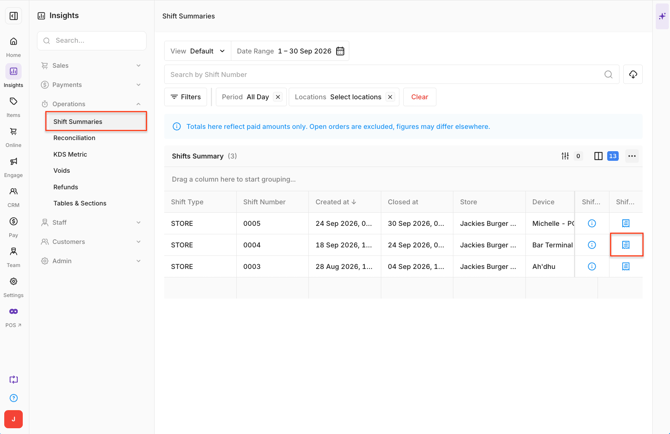
- Open Back Office > Reports > Shift Summaries.
- Select the required date or date range.
- Select the Shift to view its details.
- Find Credit Payments.
-
Uber Eats and DoorDash payments are displayed under Credit Payments, together with the associated payment information such as Tips and Refunds.