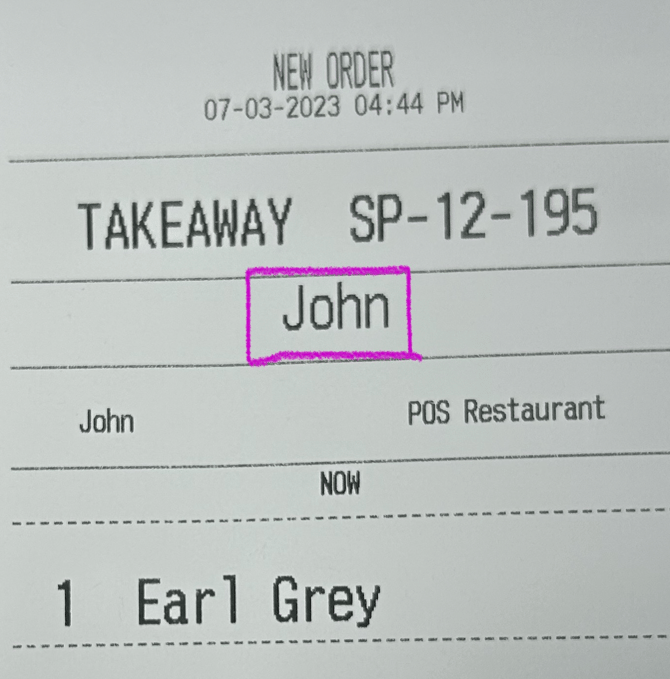
TAKEAWAY is a common Order Type for a lot of Cafes or Restaurants, learn how to use its feature by adding a pop-up 'Name Note' with every order:
Placing a Takeaway Order
To place a takeaway order from the cart, firstly, click on:
From the POS:
-
New:
New:
Or
-
Select the Order Type directly from your Cart using the Dropdown:
Select the Order Type directly from your Cart using the Dropdown: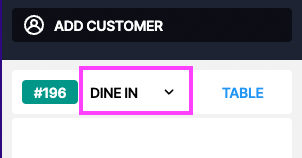
From the FLOOR PLAN:
-
New Order :
New Order :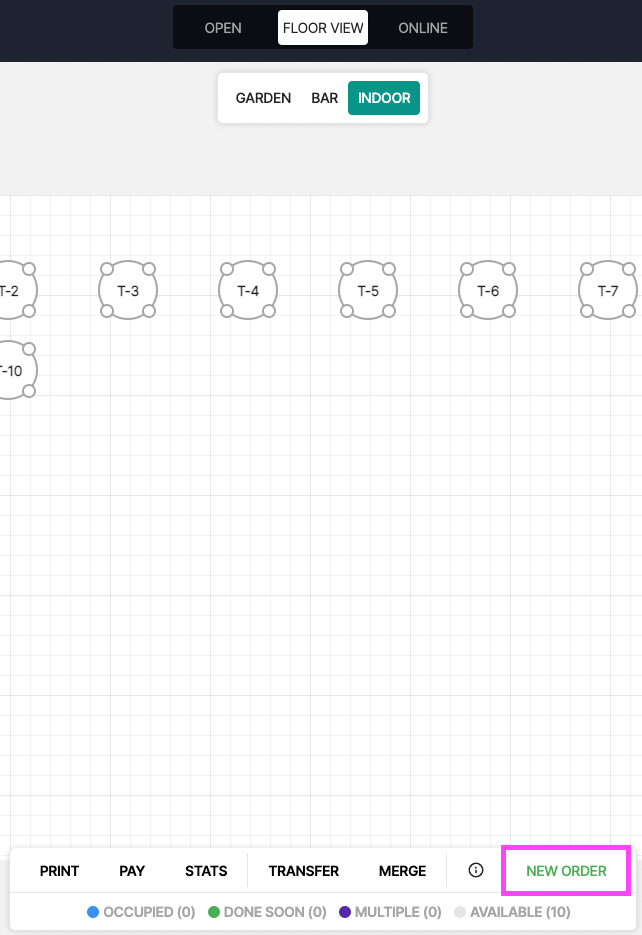
2. Select the Order Type ' Takeaway ' :
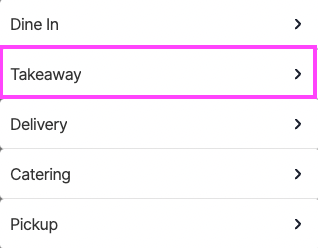
3. When you add a Product to your & click ' SEND ' or ' PAY NOW '.
you will now be prompted with a Pop-Up asking for a Name
( you can also input an order number if you give ' Numbers' to your customers )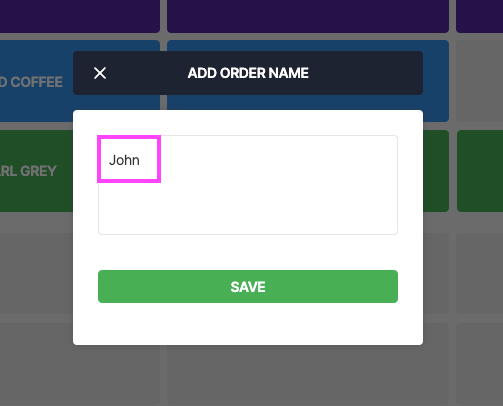
4. It will Print on top of your Dockets: