
As the structure of your POS layout is critical for your Team to find products easily & work more efficiently:
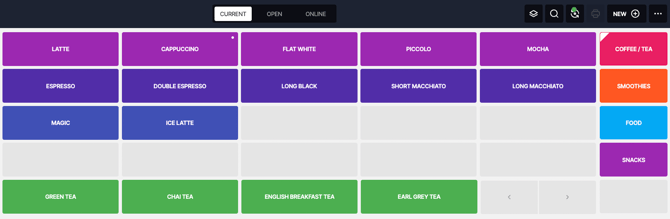
Learn how you can:
-
Reorganise your Product Tiles
-
Add some Colours to them!
Reorganise your Product Tiles
Add some Colours to them!
CHANGE MENU LAYOUT IN BACK OFFICE
-
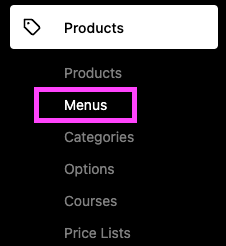
In your Back Office => Products => Menus:
In your Back Office => Products => Menus:
2. Go to ' Menu Layout ' :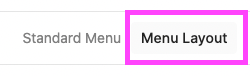

EDIT TILE COLOURS:
1. To Edit a Page's Colour => click on that Page => Edit Page:
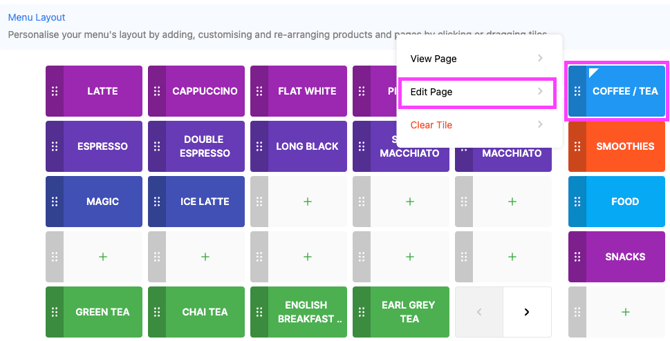
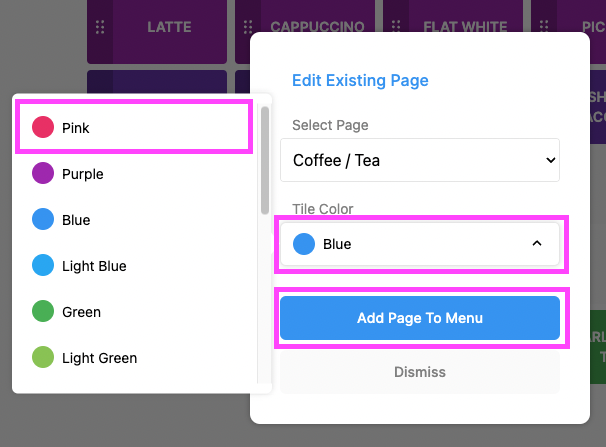
2. Choose your Tile Colour => Add Page to Menu:
3. In ' Menu Layout ' => Select a Page by clicking on it & select ' View Page ' to display its Products:

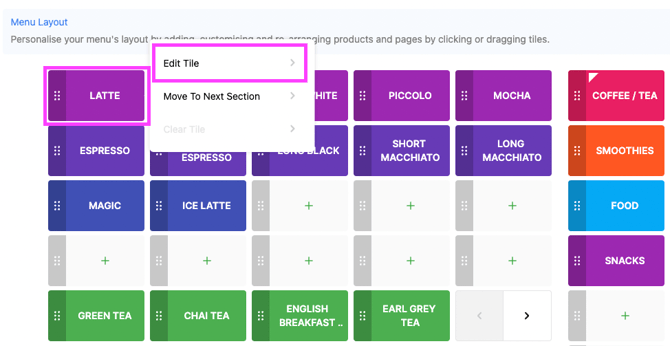
4. Click on Product => Edit Tile => Choose your Colour => Update Tile:
5. SAVE: